Private by design
Pair with the sync key shown on your Mac. Your files go straight from Mac to device — no accounts, no servers, no tracking. On iPhone they’re protected by your passcode and Face ID.
 New Redesigned for iPhone, iPad & Mac
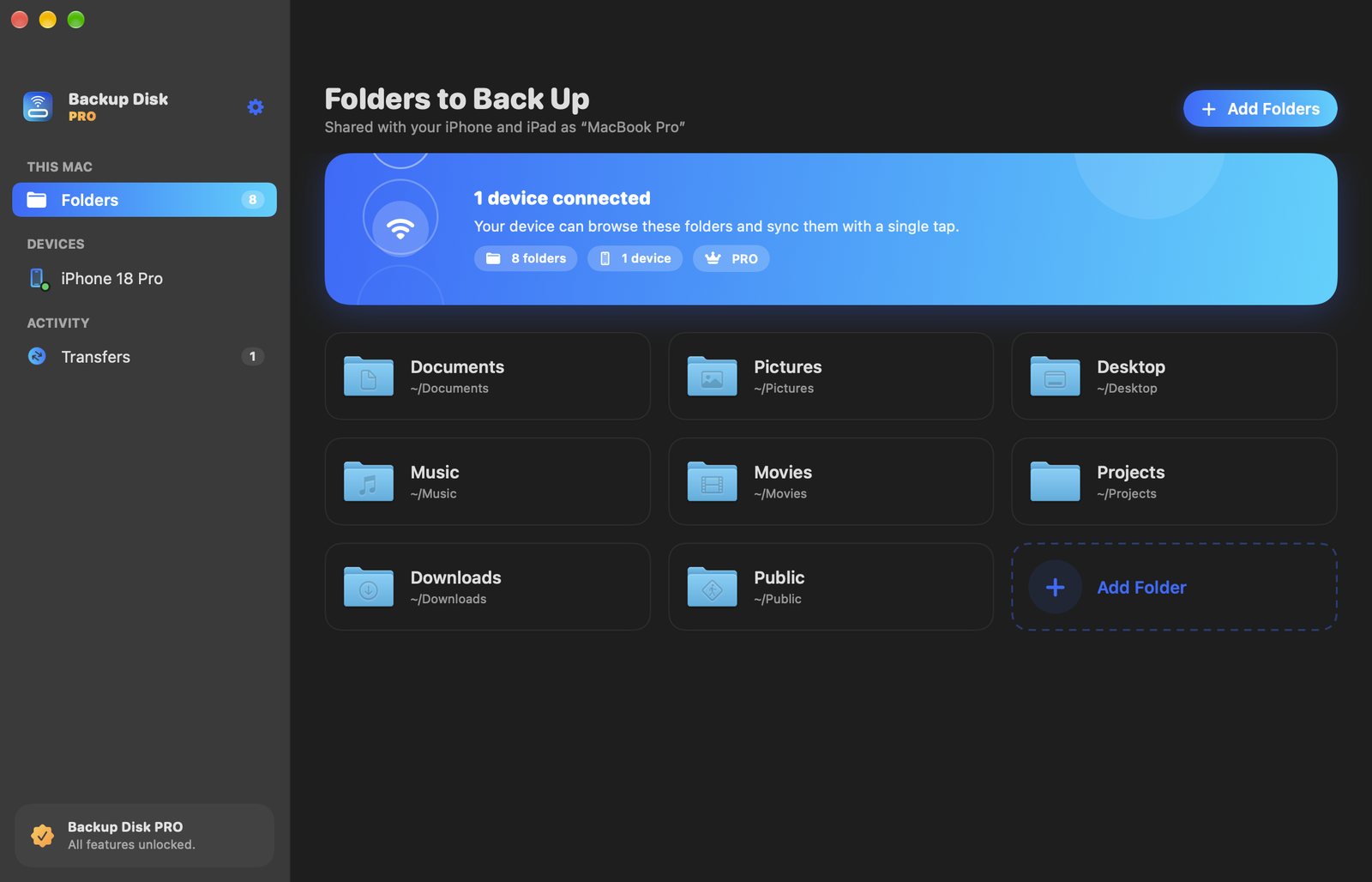
Back up your Mac’s folders to your iPhone or iPad — over Wi‑Fi or cable. Hundreds of thousands of files in minutes, not hours. No cloud, no monthly storage bill.


One app for Mac, iPhone and iPad · Free to try
Copying a photo library, a code project or years of documents file by file — over Wi‑Fi or to a USB drive — can take hours. Backup Disk packs small files into large packages and sends only what changed.
Illustration. Actual speed depends on your network, devices and files.
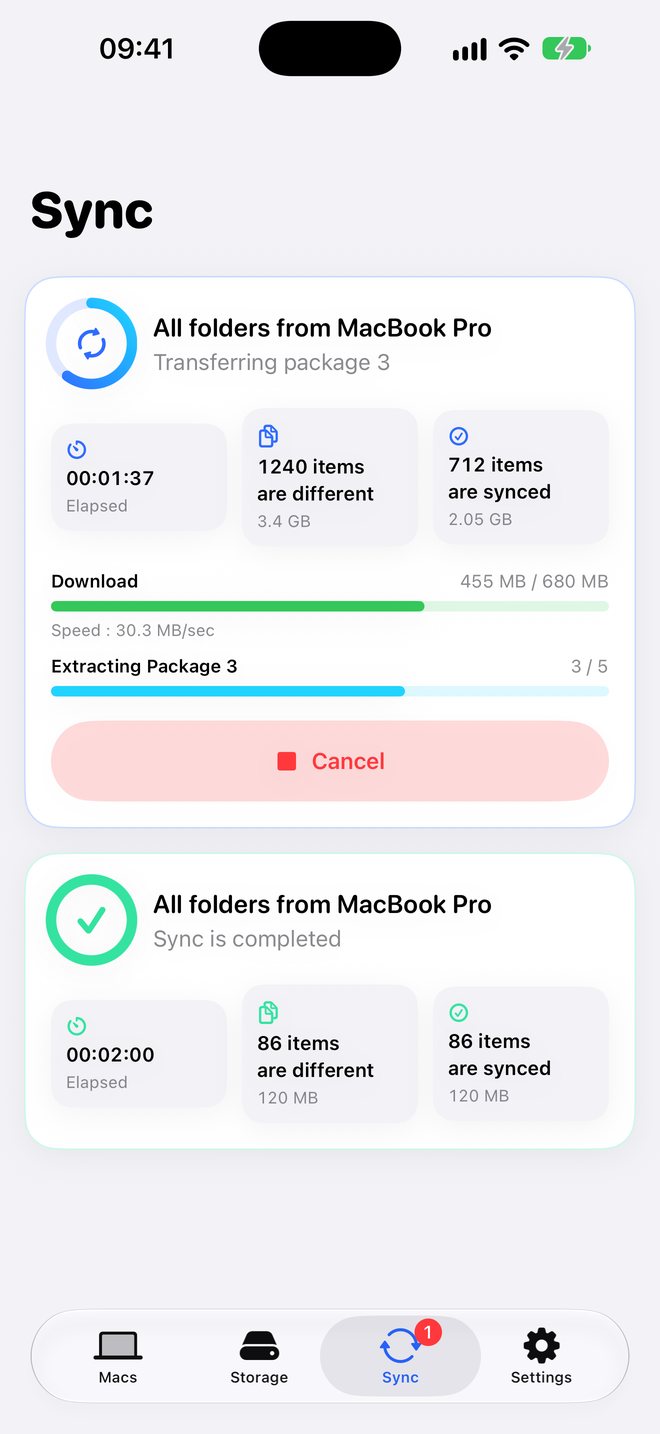
Thousands of tiny files travel together in big packages, so your network runs at full speed instead of waiting on each file.
Backup Disk knows what’s already on your device. The next backup copies just the new and edited files — usually in seconds.
Interrupted? The next sync continues with what’s left instead of starting over.
Add the folders you want to protect — or just drag them into the window.
Your Mac appears automatically on the same network. Enter the six‑digit sync key once.
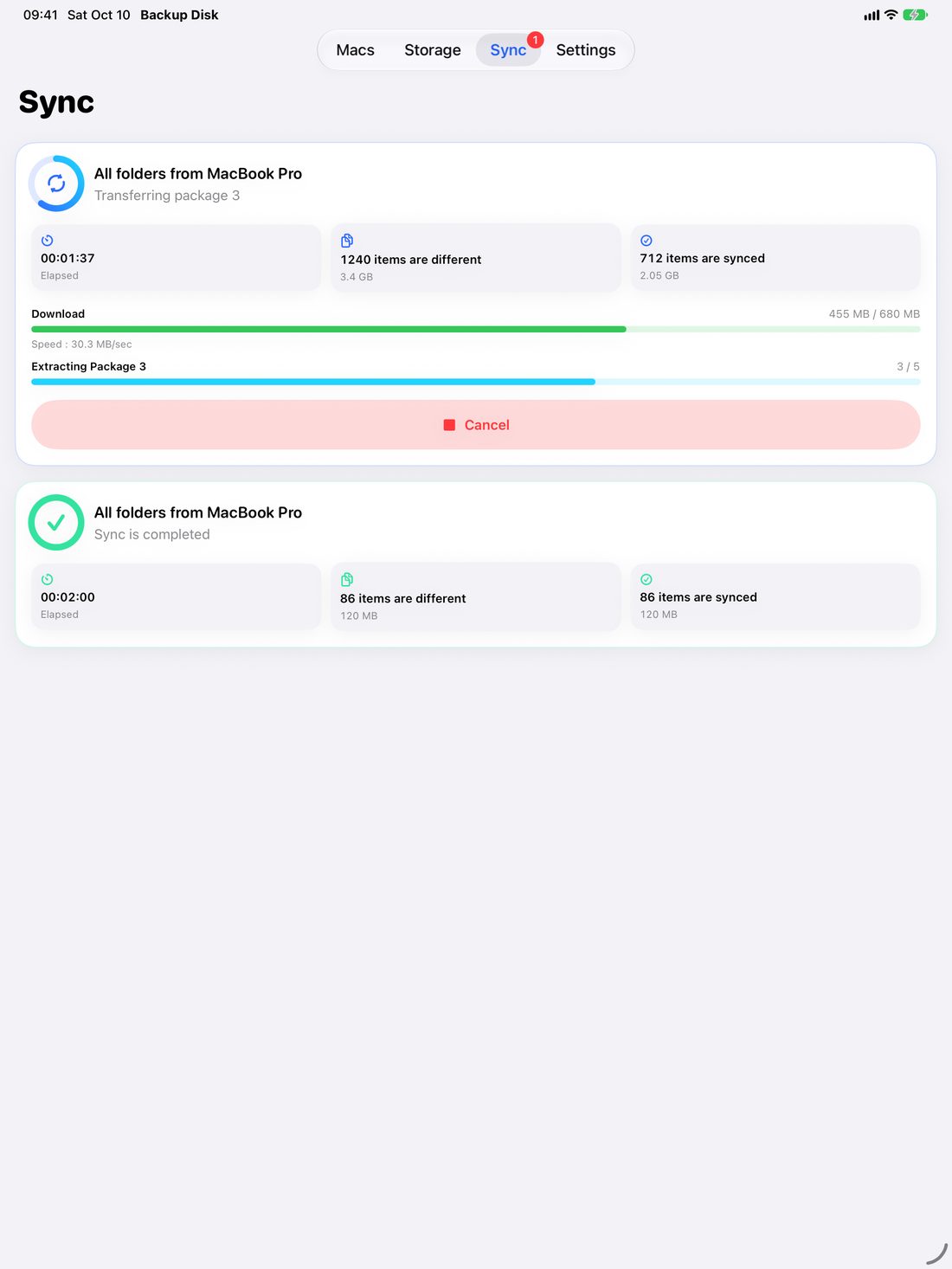
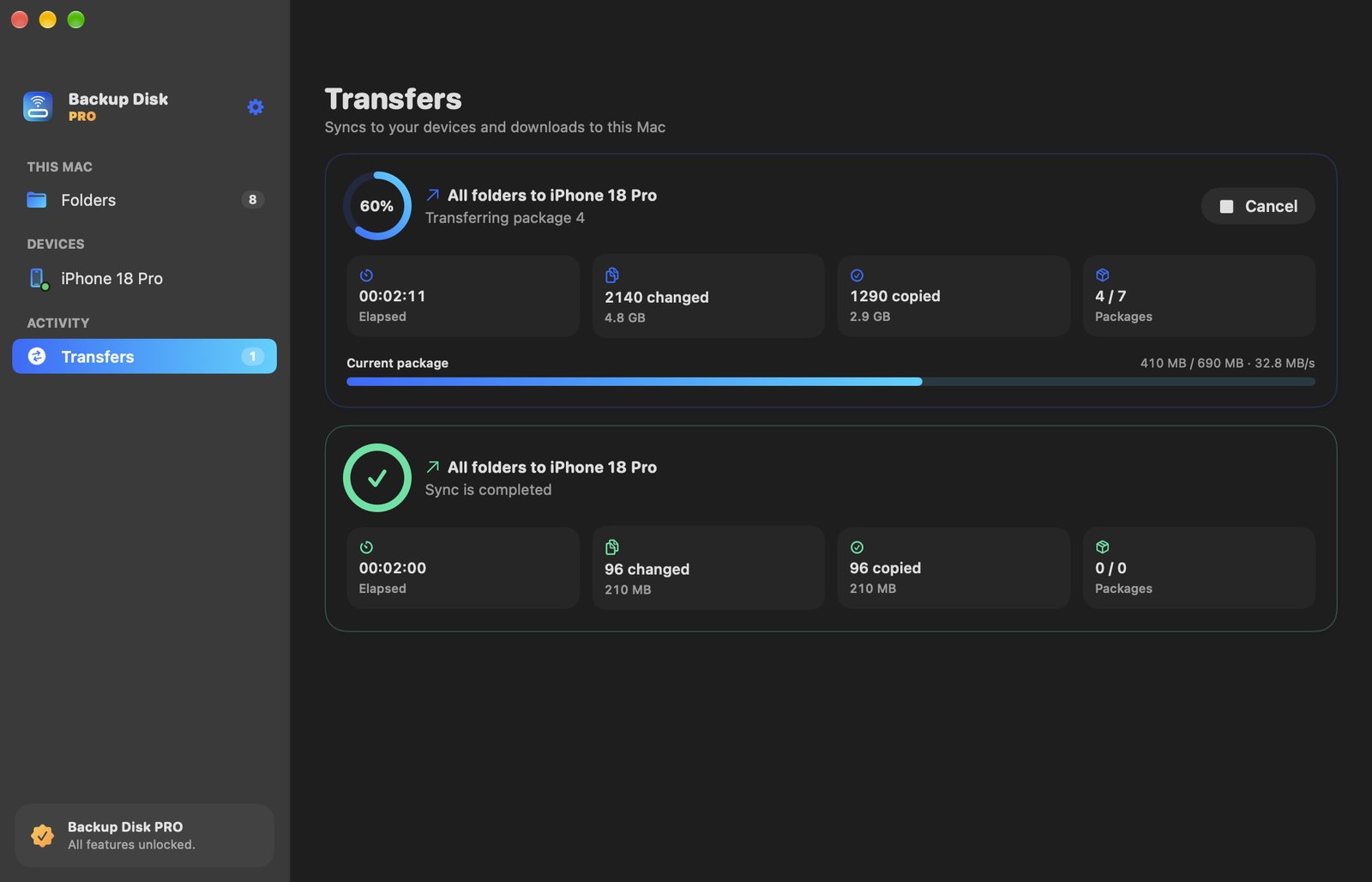
Watch it happen live. From then on, only changed files are copied.
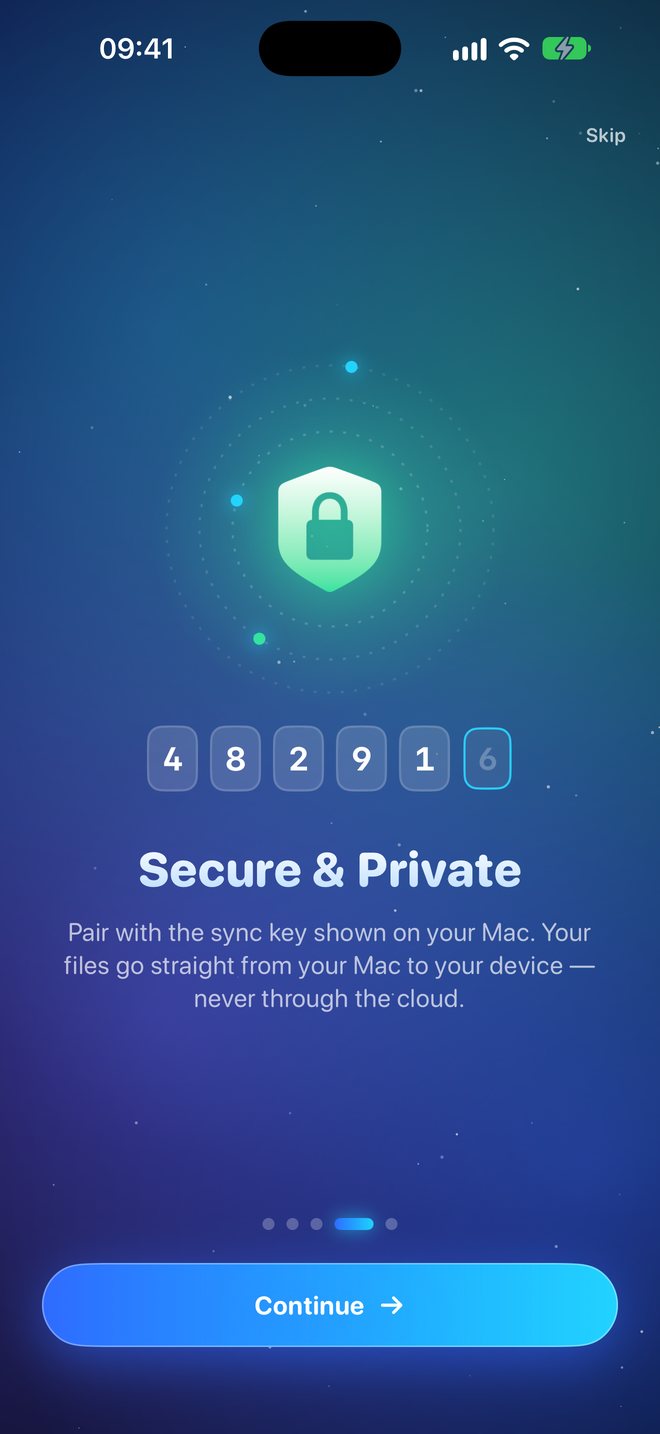
Pair with the sync key shown on your Mac. Your files go straight from Mac to device — no accounts, no servers, no tracking. On iPhone they’re protected by your passcode and Face ID.
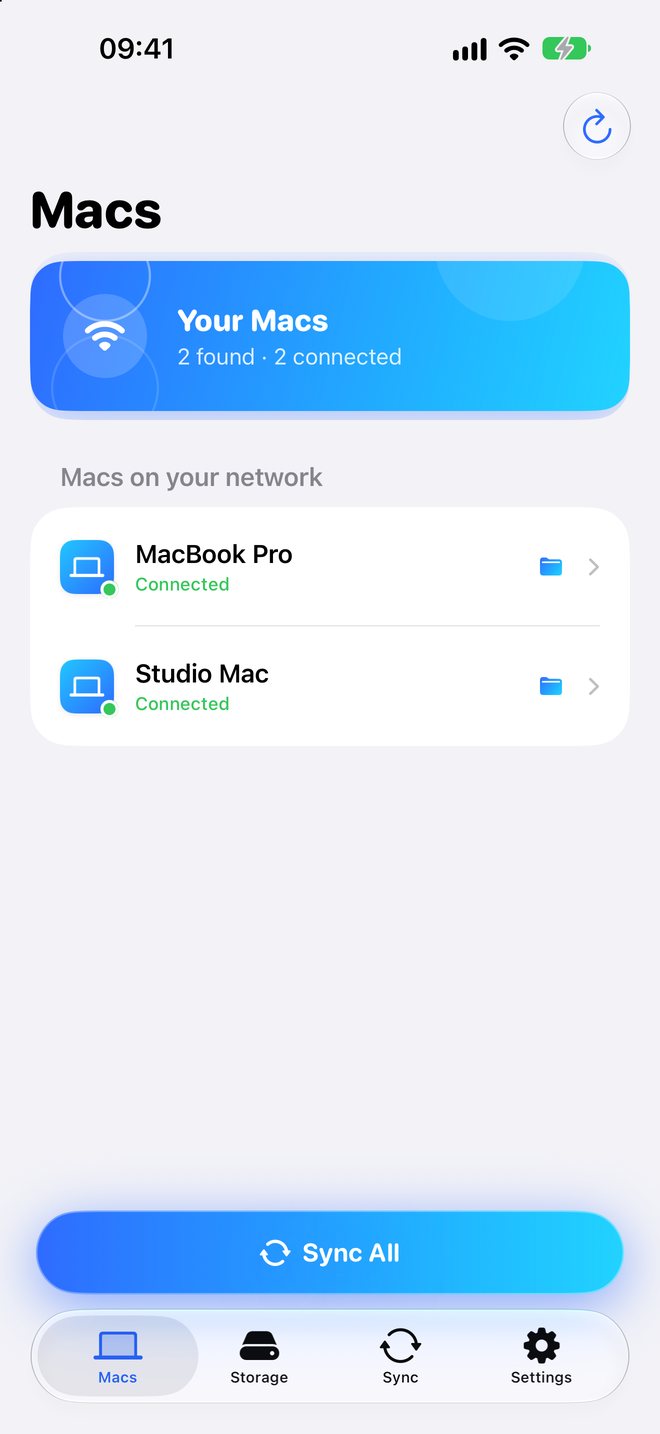
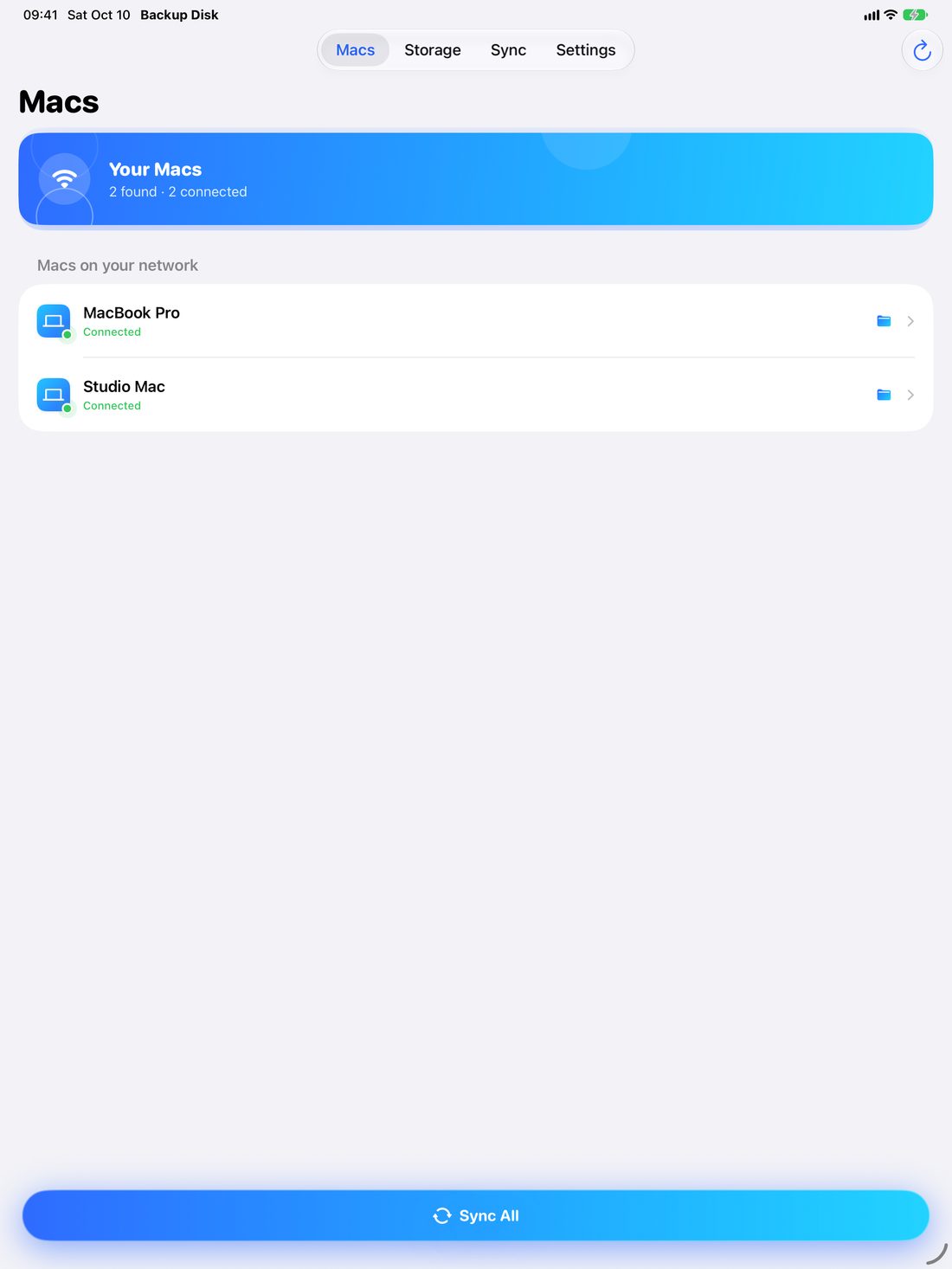
Your Mac shows up automatically on the same network. Plug in for the fastest transfers.
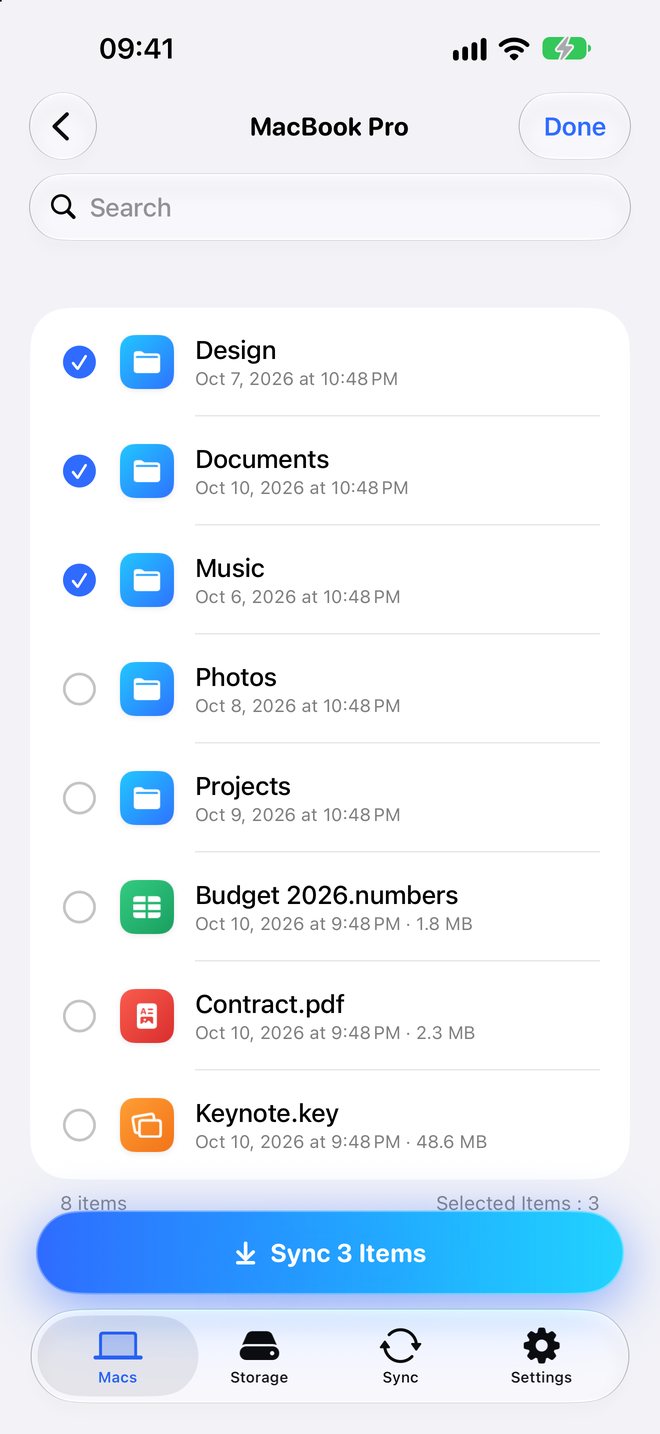
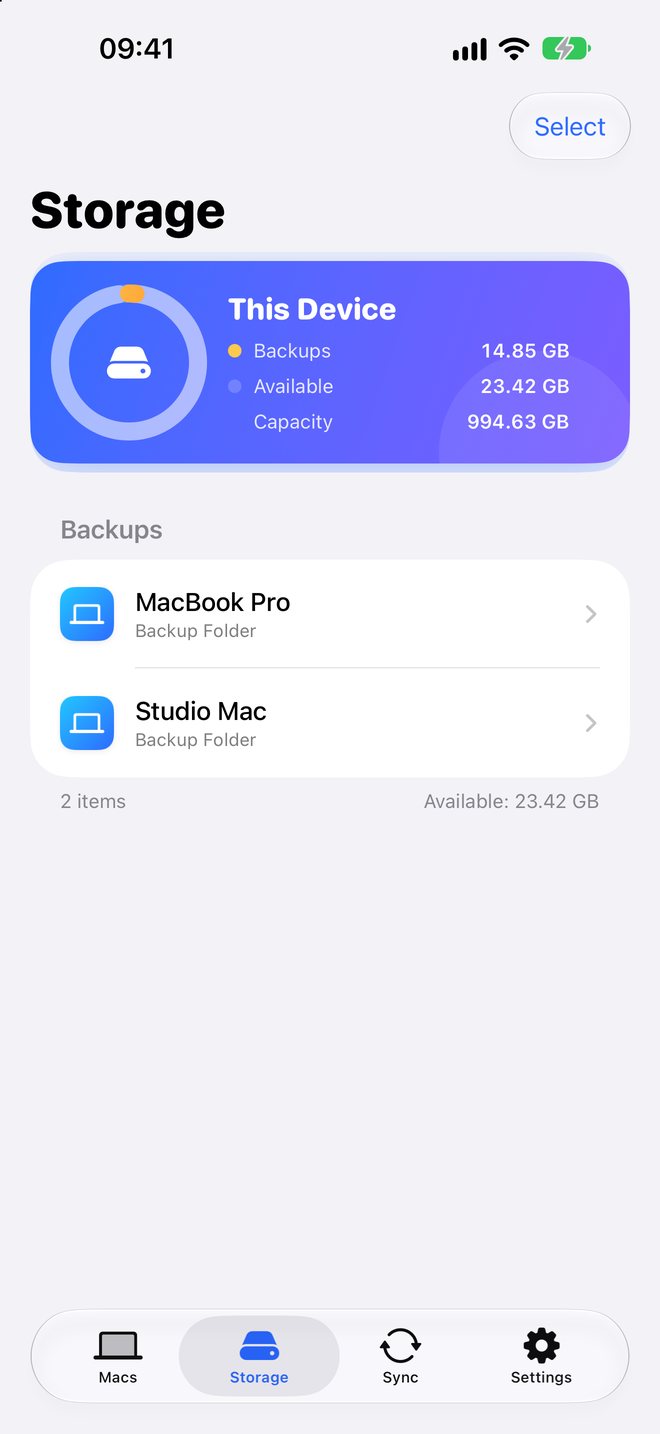
Back up your MacBook and your studio Mac to the same iPhone or iPad.
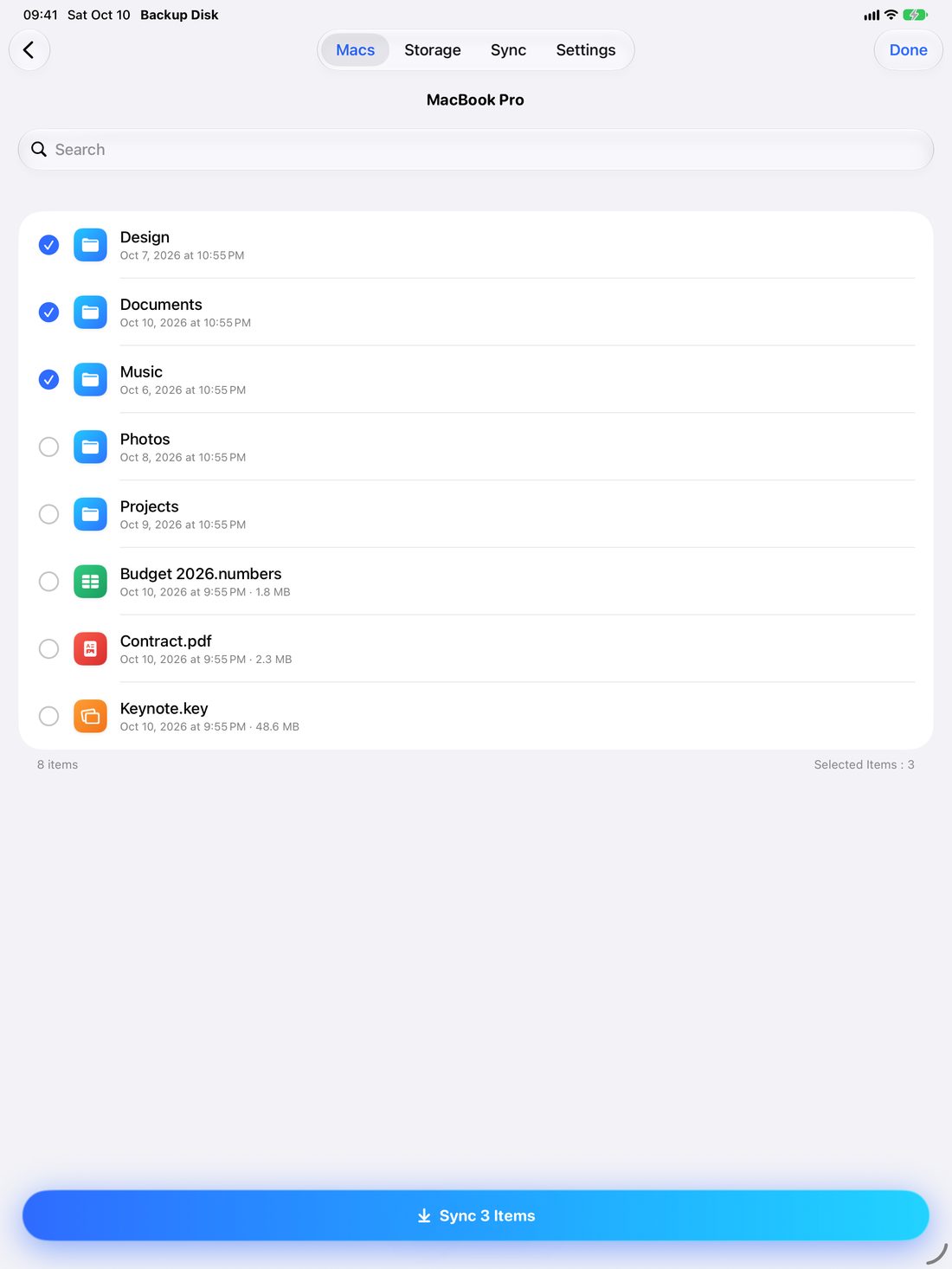
Browse, search, open and share your backups — in the app or the Files app, even offline.
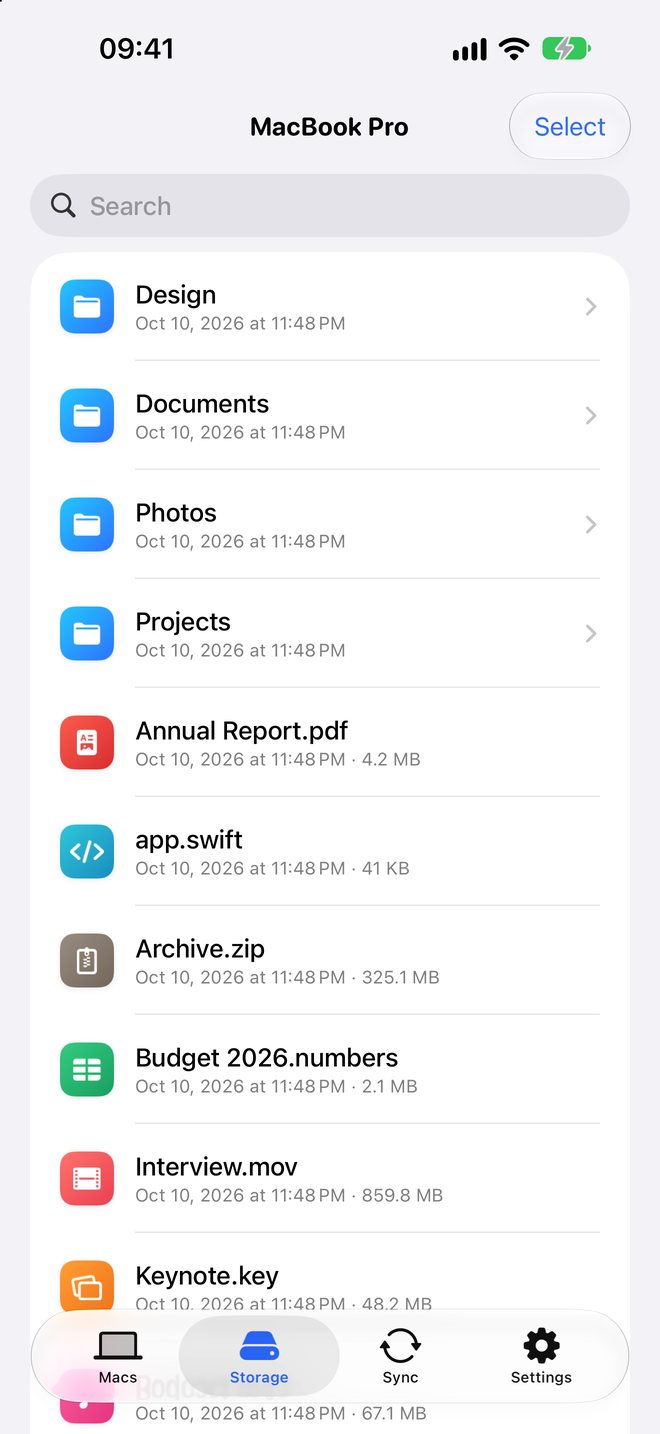
Lost something on your Mac? Download any file or folder back from your iPhone or iPad.
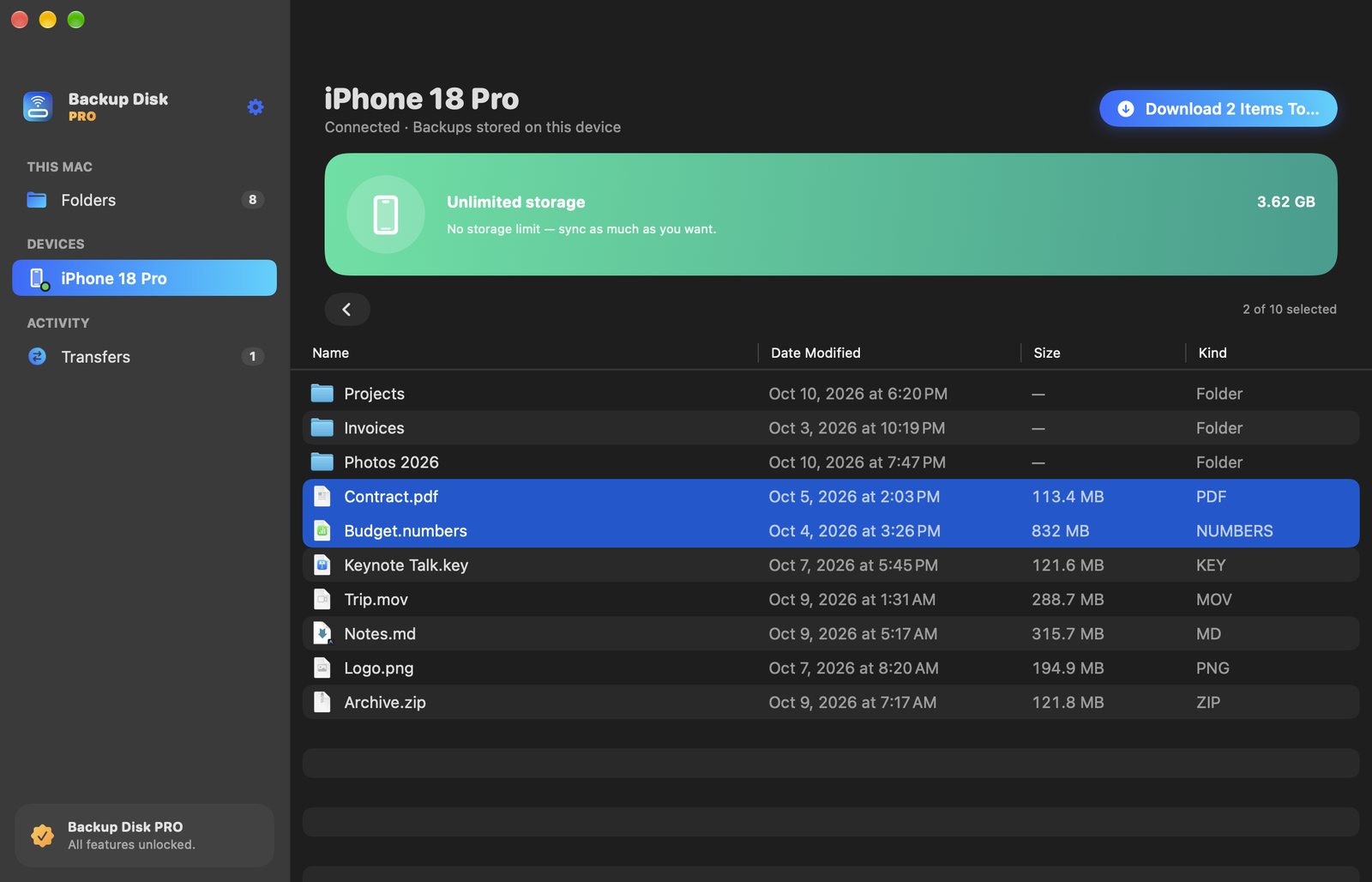
The spare space on your iPhone or iPad is fast, always with you and already paid for. Backup Disk puts it to work.
Elapsed time, changed and copied files, packages and speed — on your Mac and your device.
The free version backs up to 5 GB per device. PRO removes the limit and connects several iPhones and iPads to your Mac at once.
For Mac, iPhone and iPad.